01
Understand your keys
Find out how the product creates and stores keys, who can access them, and how they are used to sign.
Explore TB, the cold wallet brand. Your keys, your choices. Discover the product and the details that matter before you get started.
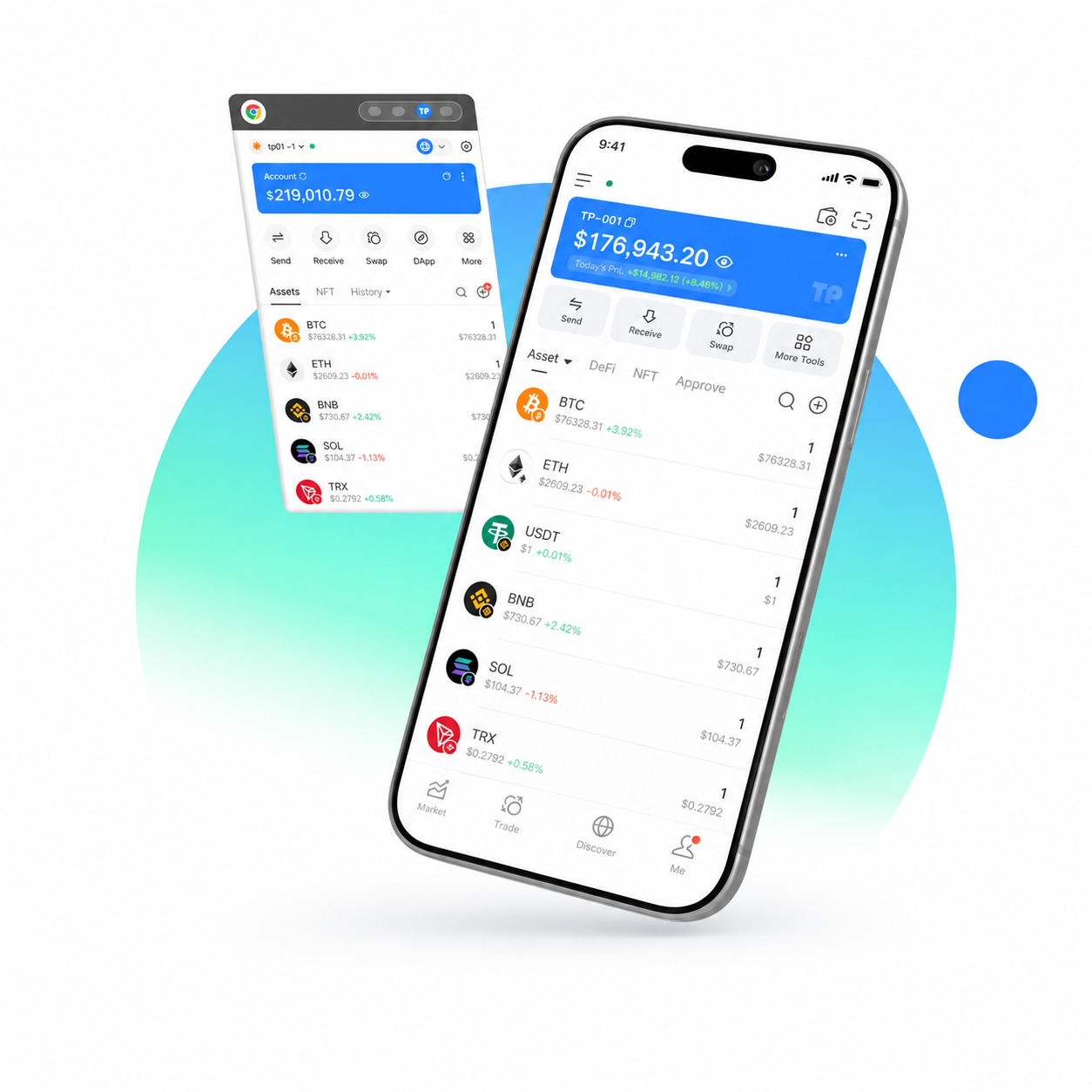
Adapted from TokenPocket; hardware removed. Not a TB product screen or balance.
SECURITY MATTERS
From how keys are held to the permissions you approve, every detail deserves attention.
Find out how the product creates and stores keys, who can access them, and how they are used to sign.
Check what you are signing and which permissions you are granting. Understand the action before you approve it.
Follow the product’s official backup guide. Learn the recovery process and its limits before you need it.
These are questions to assess a wallet. TB’s specific security capabilities remain unconfirmed.
Explore the details behind TB.
THE PRODUCT
Product form, networks, connections, and documentation. The essential details about TB, together in one place. Specifications are awaiting confirmation.
This preview does not confirm asset support, product availability, or security certifications.
HOW IT WORKS
Discover the product. Find the official destination. Get started with the right guide once the details are confirmed.
Review the product details, compatibility, and limitations. Make sure you know what has been confirmed.
Use the verified product, purchase, or download destination for the confirmed product. Check the address before continuing.
Once available, follow the official setup and backup instructions for the exact product and version you choose.
A product discovery path, not a TB installation tutorial.
BEFORE YOU BEGIN
Product details, official links, and what to expect from this preview.
TB is a cold wallet brand. This website introduces the brand and the details to review before choosing a product. It is currently a design preview; the product form, features, and availability remain unconfirmed.
Start with Product information and the verified documentation when it is provided. No assets or networks have been confirmed for TB in this preview. Token names and numbers in the hero image are part of a visual adapted from TokenPocket; they do not show TB balances or supported assets.
Look for official documentation covering key generation, storage, signing, and recovery, together with any verifiable security reports. These materials are still awaiting confirmation for TB. This page does not claim an audit or certification.
A verified official destination has not yet been provided. Product information shows which details are still awaiting confirmation. The TokenPocket reference image is not a TB app or browser extension; this page currently offers no purchase or download.
No. This page never asks for a recovery phrase, private key, PIN, wallet connection, signature, token approval, or transfer. It does not access or handle your assets.
Check the product and setup documentation links, or open Contact to see the current support information. These official resources have not yet been provided. Only use details confirmed here, rather than a guessed address or a similarly named service.
EXPLORE THE DETAILS
Find the product information you need before taking the next step.